SIEMENS
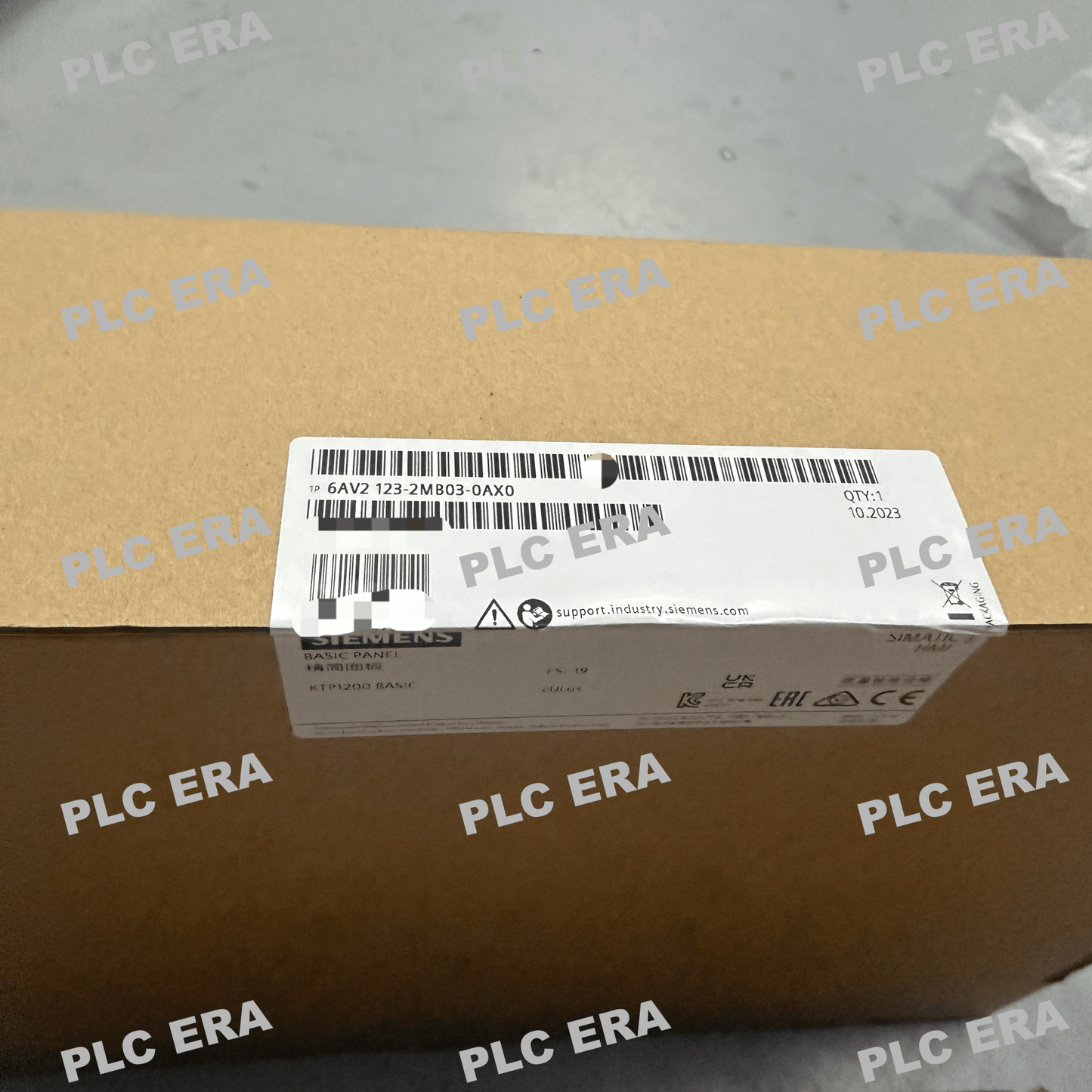
6AV2123-2MB03-0AX0 KTP1200 Basic 12" Touch HMI PROFINET | Siemens
6AV2123-2MB03-0AX0 KTP1200 Basic 12" Touch HMI PROFINET | Siemens
Low stock: 7 left
Couldn't load pickup availability
The Original New Siemens 6AV2123-2MB03-0AX0 SIMATIC HMI KTP1200 Basic is a 12-inch Basic Panel designed for cost‑effective visualization and machine‑level control in industrial automation systems. Combining key and touch operation on a widescreen TFT display with 65,536 colors, this panel delivers reliable HMI functionality for small to medium machine applications. PROFINET interface ensures seamless integration with SIMATIC S7 controllers and third‑party devices supporting Modbus TCP/IP. Configurable from WinCC Basic V13 / STEP 7 Basic V13 within the TIA Portal engineering framework.
Core Engineering Highlights:
12" widescreen TFT display | 1280 x 800 resolution | 65,536 colors | Key + touch operation | 10 programmable function keys | PROFINET interface | 1 x USB host port | 10 MB user memory | ARM processor | IP65 front protection | 24V DC | 0°C to +50°C operating | 20,000 h LED backlight (dimmable)
Key Features:
-
Original New Siemens 6AV2123-2MB03-0AX0 panel
-
12‑inch widescreen TFT display with LED backlighting
-
65,536 colors for clear, detailed visualization
-
Combined key and touch operation — supports both tactile keys and intuitive touch interaction
-
10 programmable function keys (without LEDs) for quick access to frequently used functions
-
Analog‑resistive touch screen with onscreen numeric and alphanumeric keyboards
-
Integrated PROFINET interface (Ethernet) for controller communication
-
1 x USB host port for connecting keyboard, mouse, or USB memory, up to 16 GB storage support
-
ARM processor for responsive operation
-
IP20 rear protection
-
Configurable from WinCC Basic V13 / STEP 7 Basic V13 (TIA Portal)
-
Contains open‑source software provided free of charge
-
Maximum permissible inclination without external ventilation: 35°
Applications:
-
Machine‑level visualization and operator control
-
Production line monitoring and data entry
-
Packaging machinery HMI
-
Material handling equipment control
-
OEM machine automation systems
-
Cost‑effective HMI solutions requiring PROFINET connectivity
-
Small to medium machine control applications
-
Vertical or landscape mounting in space‑constrained panels
Technical Specifications:
System Compatibility:
-
Siemens SIMATIC S7‑1200 controllers (via PROFINET)
-
SIMATIC S7‑1500 controllers (via PROFINET)
-
SIMATIC S7‑300 / S7‑400 controllers (via PROFINET)
-
Third‑party controllers supporting PROFINET, EtherNet/IP, or Modbus TCP/IP
-
TIA Portal engineering framework (WinCC Basic V13 / STEP 7 Basic V13 or higher)
-
USB peripherals (keyboard, mouse, USB memory)
Typical System Architecture:
24V DC Power Supply
↓
6AV2123-2MB03-0AX0 KTP1200 Basic HMI Panel (Front Panel Mount)
│
├── PROFINET Interface → S7‑1200 / S7‑1500 / S7‑300 / S7‑400 Controller
├── USB Host → Keyboard / Mouse / USB Memory (up to 16 GB)
│
↓
TIA Portal Engineering (WinCC Basic V13 / STEP 7 Basic V13)
↓
Machine / Process Visualization and Control
Related Products:
-
6AV2123-2DB03-0AX0 – KTP400 Basic PN (4" display, same series)
-
6AV2123-2GB03-0AX0 – KTP700 Basic PN (7" display, same series)
-
6AV2123-2JB03-0AX0 – KTP900 Basic PN (9" display, same series)
-
6AV2123-2MB03-0AX0 – This model, KTP1200 Basic PN (12" display)
-
6AV2123-2MA03-0AX0 – KTP1200 Basic DP (PROFIBUS DP interface)
-
6ES7274-1XF30-0XA0 – SIMATIC HMI SD card for data logging
-
6AV6671-5AE00-0AX0 – SD card for HMI data storage
PLC ERA is an independent industrial automation distributor supplying 100% genuine Original New products through established global supply channels. Siemens, SIMATIC, KTP1200, TIA Portal, WinCC, and STEP 7 are trademarks of Siemens AG.
Share