SIEMENS
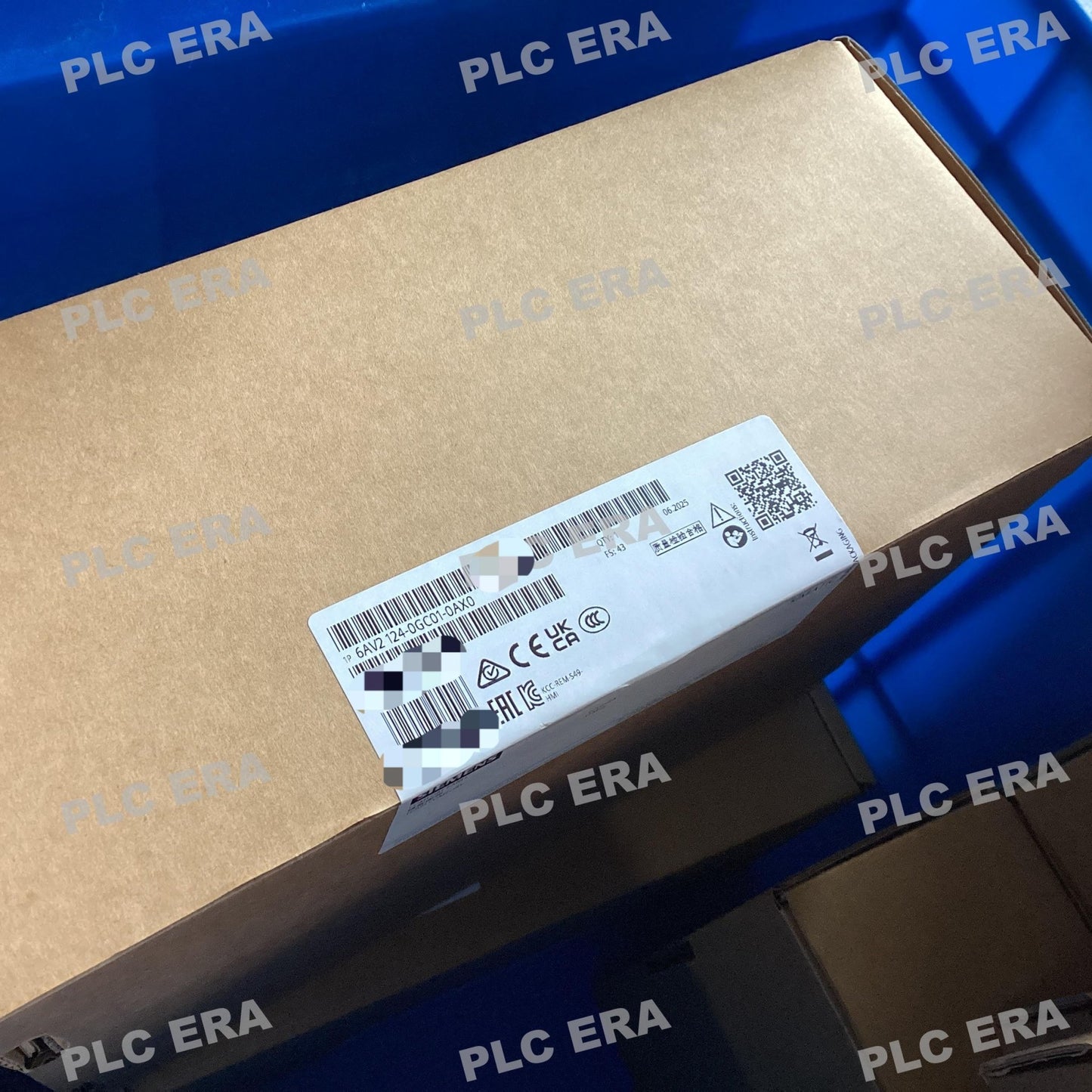
6AV2124-0GC01-0AX0 TP700 Comfort 7" Touch HMI PROFINET | Siemens
6AV2124-0GC01-0AX0 TP700 Comfort 7" Touch HMI PROFINET | Siemens
11 in stock
Couldn't load pickup availability
The Original New Siemens 6AV2124-0GC01-0AX0 SIMATIC HMI TP700 Comfort is a high-performance operator panel designed for complex visualization and machine-level control tasks in industrial automation systems. Featuring a 7‑inch widescreen TFT display with 16 million colors and analog-resistive touch operation, this panel delivers clear, detailed visualization for demanding HMI applications. Three communication interfaces — PROFINET (with 2‑port switch), MPI/PROFIBUS DP, and RS422/485 — ensure flexible integration with SIMATIC S7 controllers and third‑party systems. Configurable from WinCC Comfort V11 within the TIA Portal engineering framework.
Core Engineering Highlights:
7" widescreen TFT display | 800 x 480 resolution | 16 million colors | Analog-resistive touch | PROFINET (2‑port switch) + MPI/PROFIBUS DP + RS422/485 | 12 MB configuration memory | Windows CE 6.0 | 80,000 h LED backlight | X86 processor | 24V DC | 0°C to +50°C operating | IP65 front protection
Key Features:
-
Original New Siemens 6AV2124-0GC01-0AX0 panel
-
Analog-resistive touch screen with onscreen numeric and alphanumeric keyboards
-
IP20 rear protection
-
Configurable from WinCC Comfort V11 (TIA Portal)
-
PROFIenergy function for centralized display shutdown during breaks to reduce energy consumption
Applications:
-
Complex machine‑level visualization and operator control
-
Production line monitoring and data management
-
Process control and supervisory applications
-
Packaging machinery and material handling systems
-
OEM machine automation and system integration
-
Multi‑interface control applications requiring PROFINET, PROFIBUS, and RS422/485 connectivity
-
HMI projects requiring 12 MB configuration memory
-
Portrait or landscape mounting in space‑constrained panels
Technical Specifications:
System Compatibility:
-
Siemens SIMATIC S7‑1200 controllers (via PROFINET)
-
SIMATIC S7‑1500 controllers (via PROFINET)
-
SIMATIC S7‑300 / S7‑400 controllers (via PROFINET or PROFIBUS DP)
-
Third‑party controllers supporting PROFINET, PROFIBUS DP, or Modbus TCP/IP
-
TIA Portal engineering framework (WinCC Comfort V11 or higher)
-
USB peripherals (keyboard, mouse, memory stick)
-
SD cards for project backup and data logging
Typical System Architecture:
24V DC Power Supply
↓
6AV2124-0GC01-0AX0 TP700 Comfort HMI Panel (Front Panel Mount)
│
├── PROFINET Interface (2‑port switch) → S7‑1200 / S7‑1500 / S7‑300 / S7‑400
├── MPI/PROFIBUS DP Interface → PROFIBUS Network
├── RS422/485 Interface → Serial Devices
├── USB Host (2x) → Keyboard / Mouse / Memory Stick
├── SD Card Slots (2x) → Project Backup / Data Logging
│
↓
TIA Portal Engineering (WinCC Comfort V11 or higher)
↓
Complex Machine / Process Visualization and Control
Related Products:
-
6AV2124-0JC01-0AX0 – TP900 Comfort (9" display)
-
6AV2124-0MC01-0AX0 – TP1200 Comfort (12" display)
-
6AV2124-0QC02-0AX1 – TP1500 Comfort (15" display, higher performance)
-
6AV2124-0XC02-0AX1 – TP2200 Comfort (22" display)
-
6AV2124-1GC01-0AX0 – KP700 Comfort (key operation version)
-
6AG1124-0GC01-4AX0 – SIPLUS TP700 Comfort (conformal coated, extended temperature)
-
6ES7972-0BB52-0XA0 – PROFIBUS connector for MPI/PROFIBUS DP interface
-
6AV6671-5AE00-0AX0 – SD card for HMI data storage
PLC ERA is an independent industrial automation distributor supplying 100% genuine Original New products through established global supply channels. Siemens, SIMATIC, TIA Portal, and WinCC are trademarks of Siemens AG.
Share